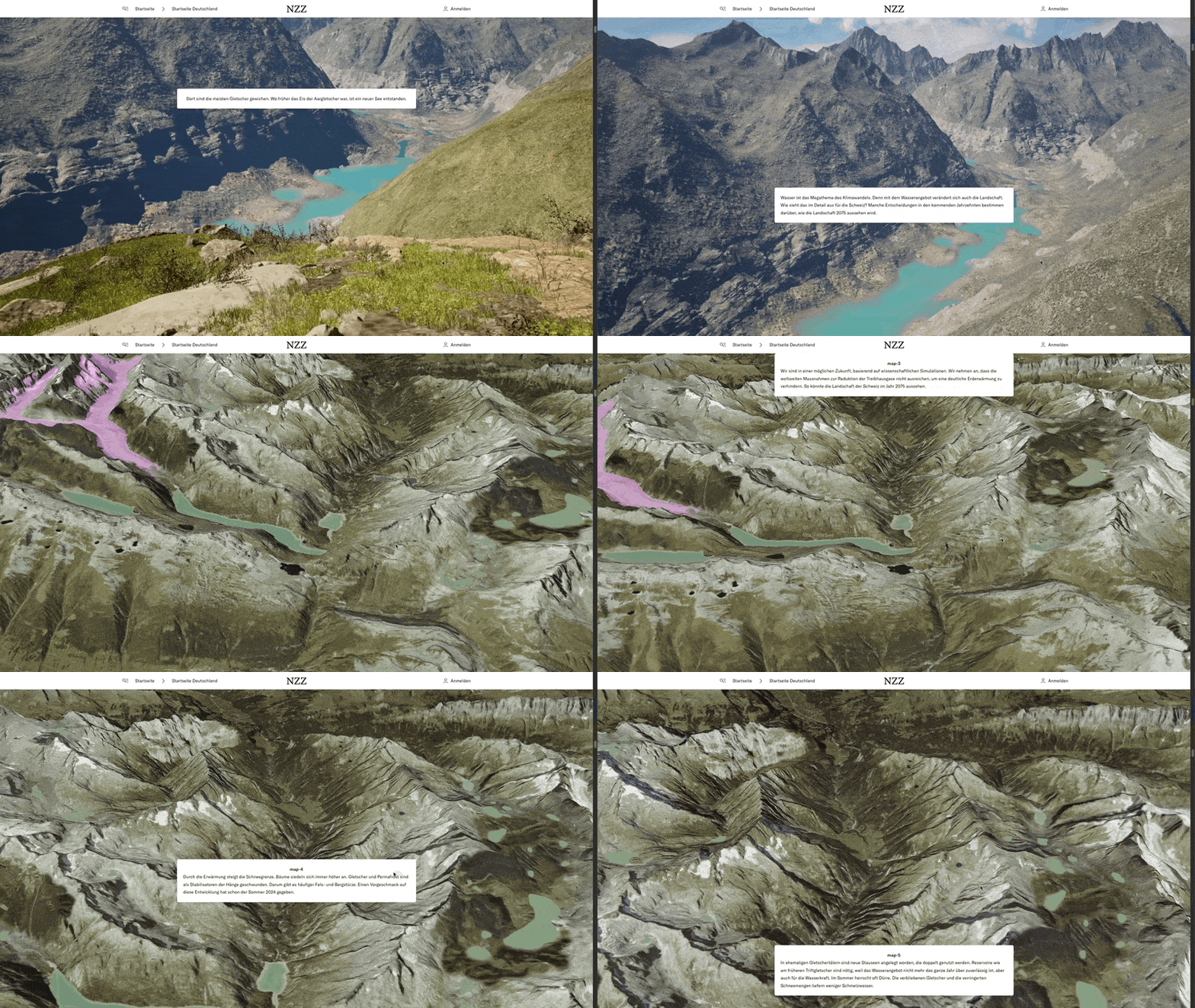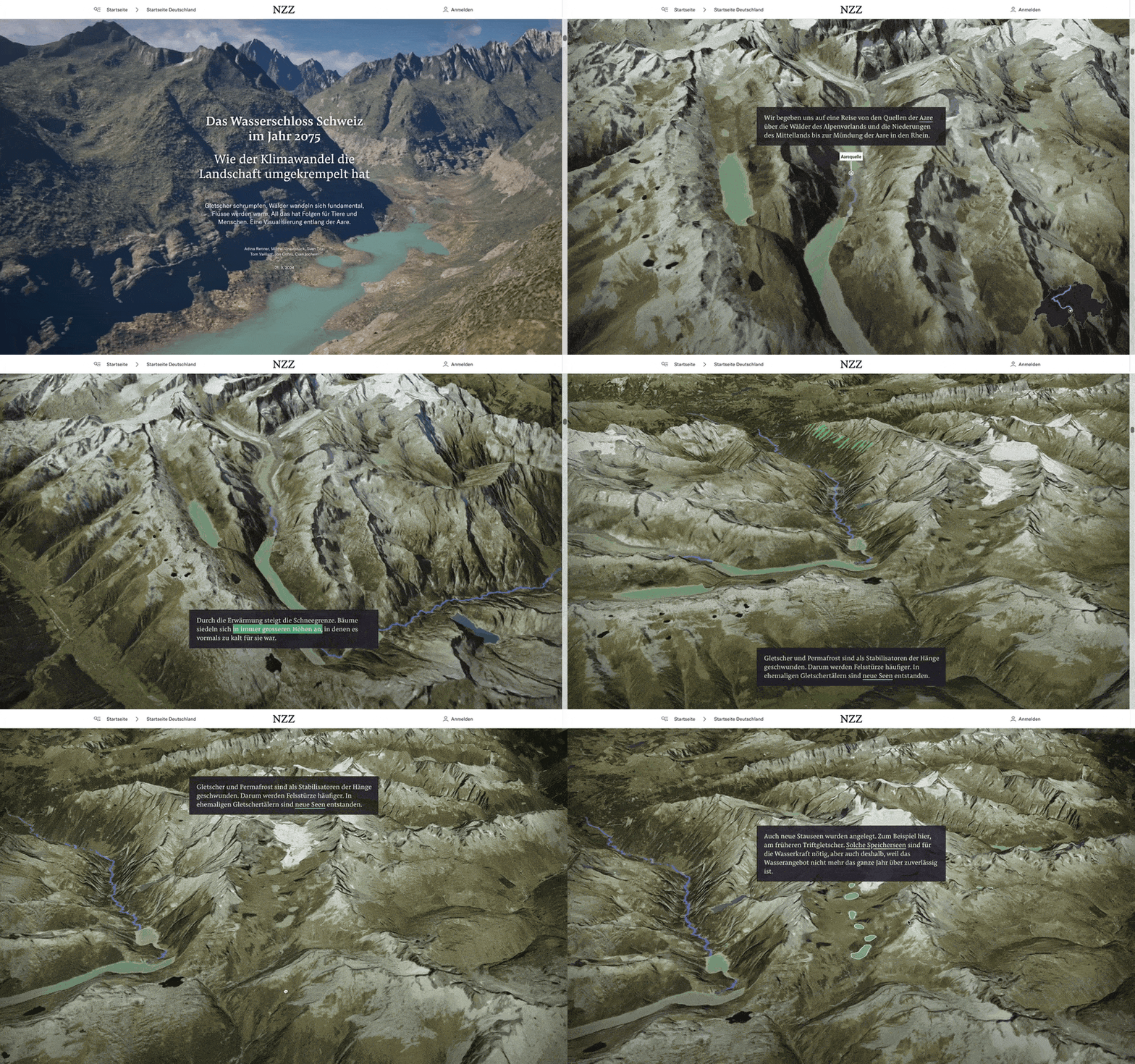
For this story, we used QGIS and Maptiler to create custom map tiles on Photoshop.
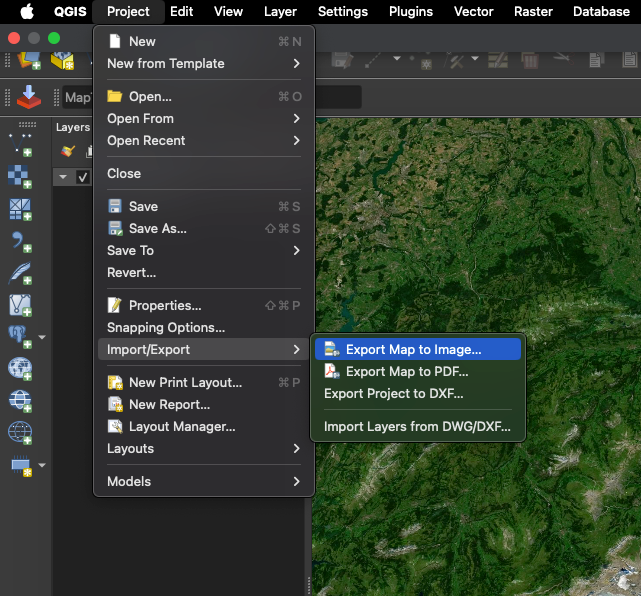
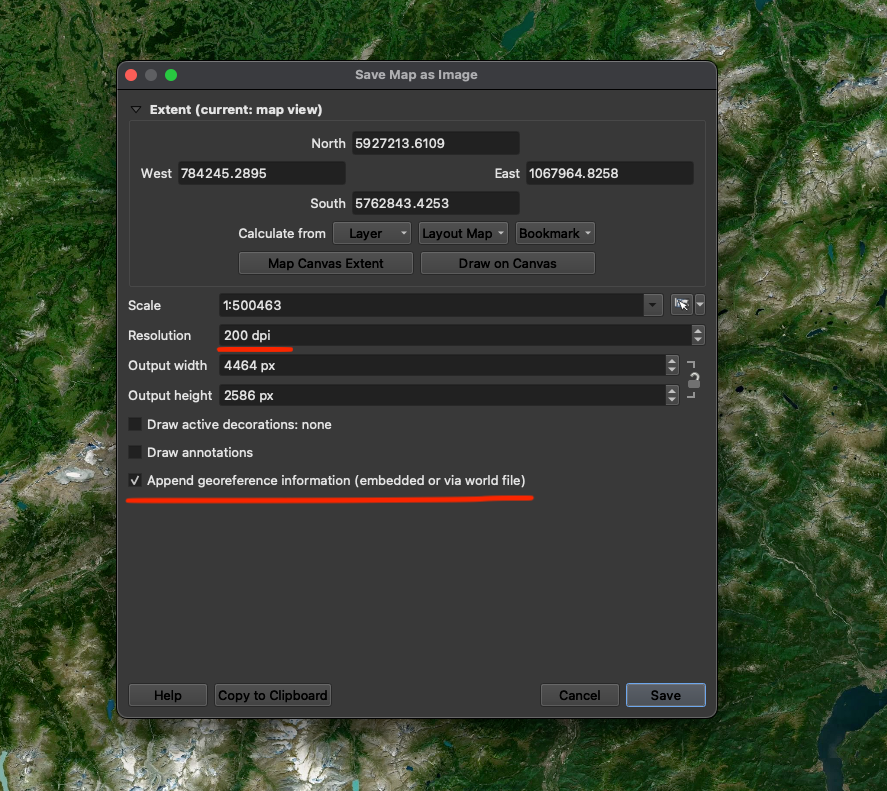
The process begins in QGIS, where we load a Maptiler satellite basemap and a vector data layer representing the position and shape of future lakes in Switzerland. We exported the entire alpine area as an image with a world file for georeferencing.
The exported image was then edited in Photoshop to visualize future environmental changes. For example we changed the appearance of the projected lakes to look realistic, increased vegetation coverage, and removed snow and glacier areas based on forecast data from ETH scientists. The color curves were also adjusted to match the vegetation dryness observed during the summer of 2006, creating a more accurate representation of potential future scenarios.
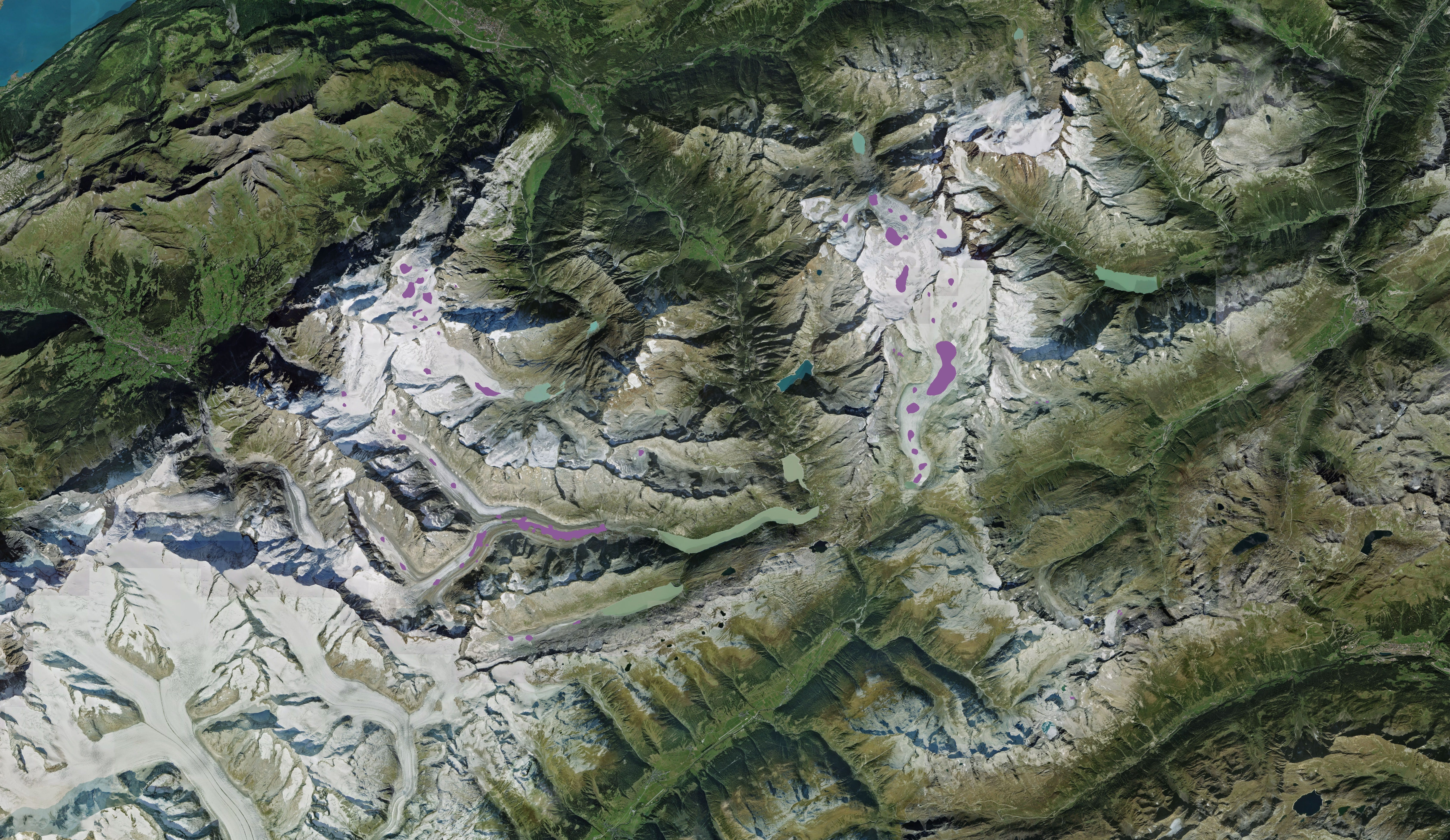
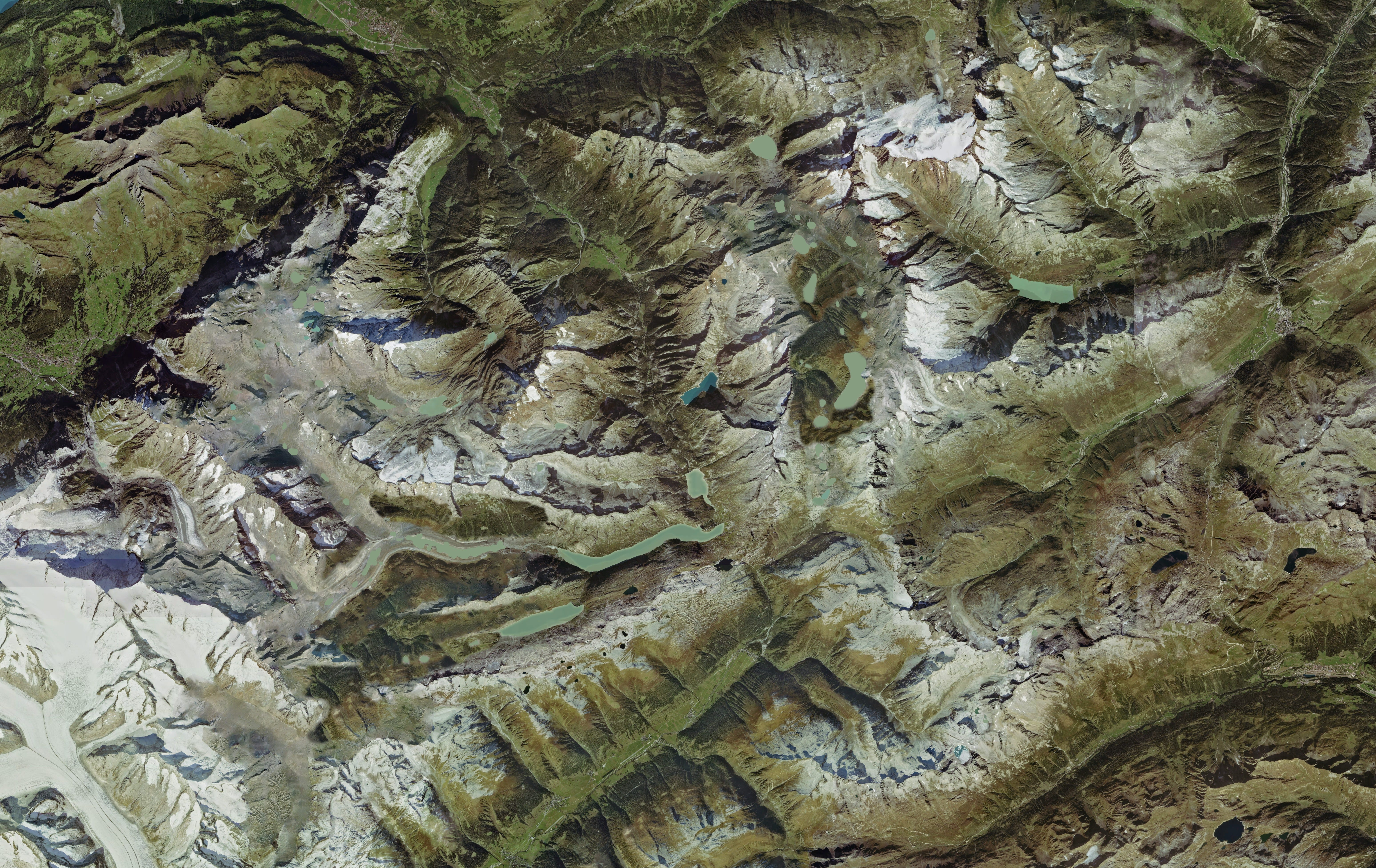
Throughout this process, we ensured the image dimensions remained unaltered to maintain the georeferencing accuracy of the world file.
The modified image was then processed using Maptiler Engine for georeferencing and tile generation. We assigned the location using the world file and set the appropriate coordinate system, with one exception where we used the engine's manual georeferencing tool.
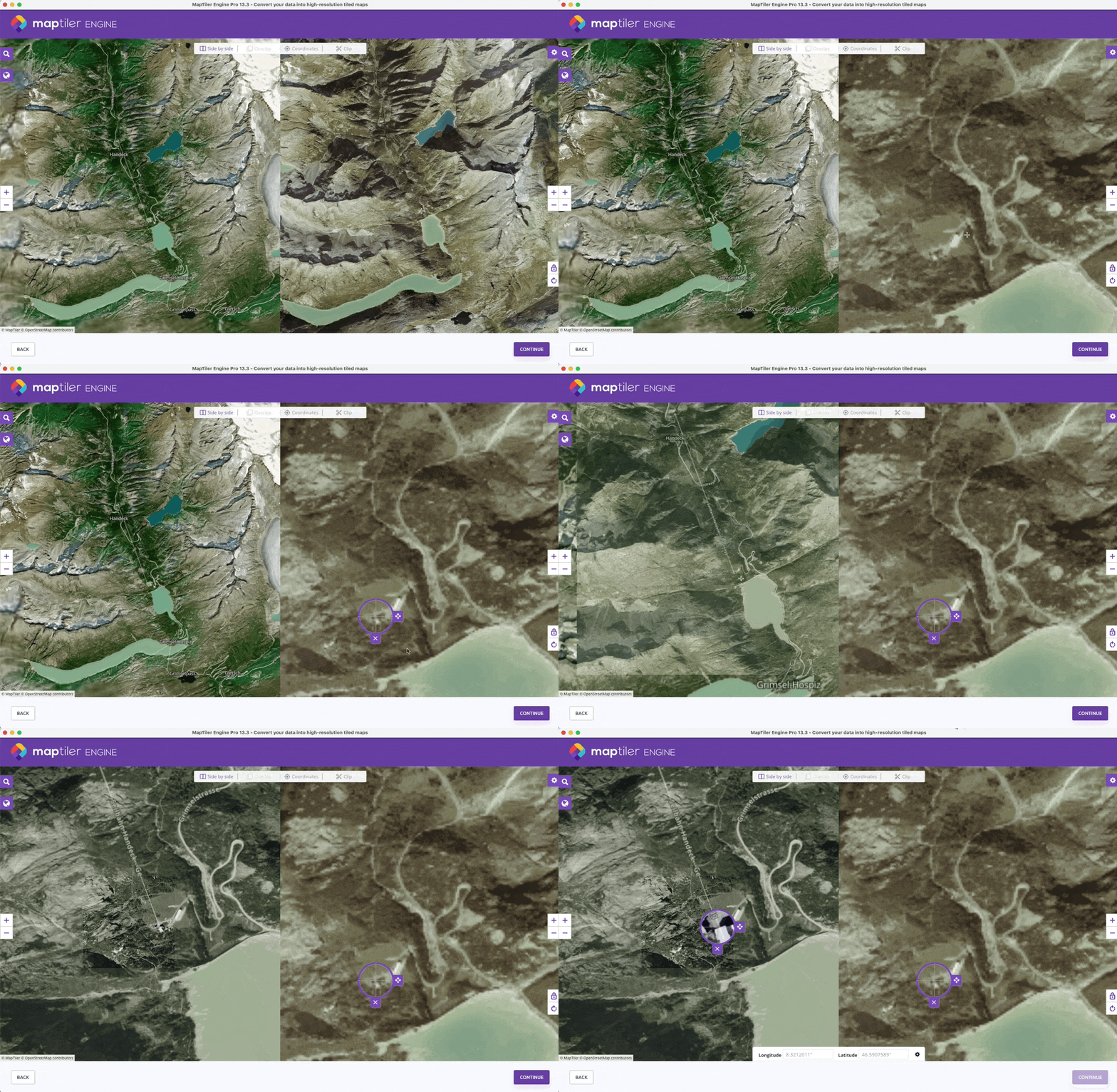
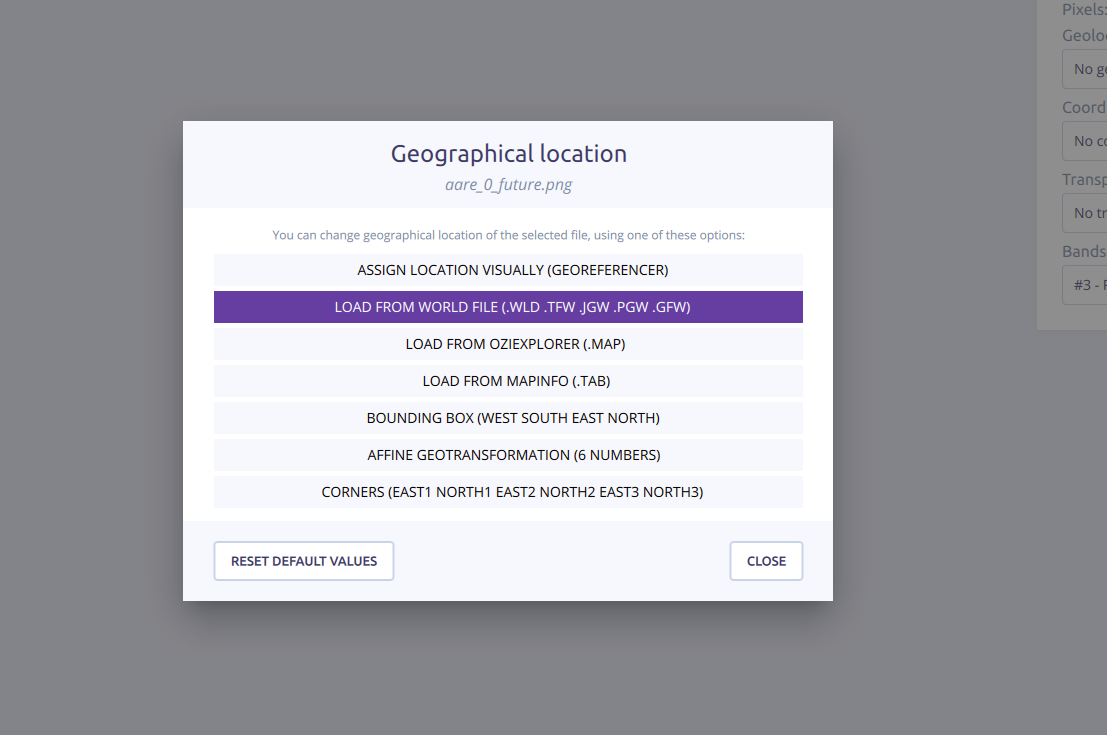
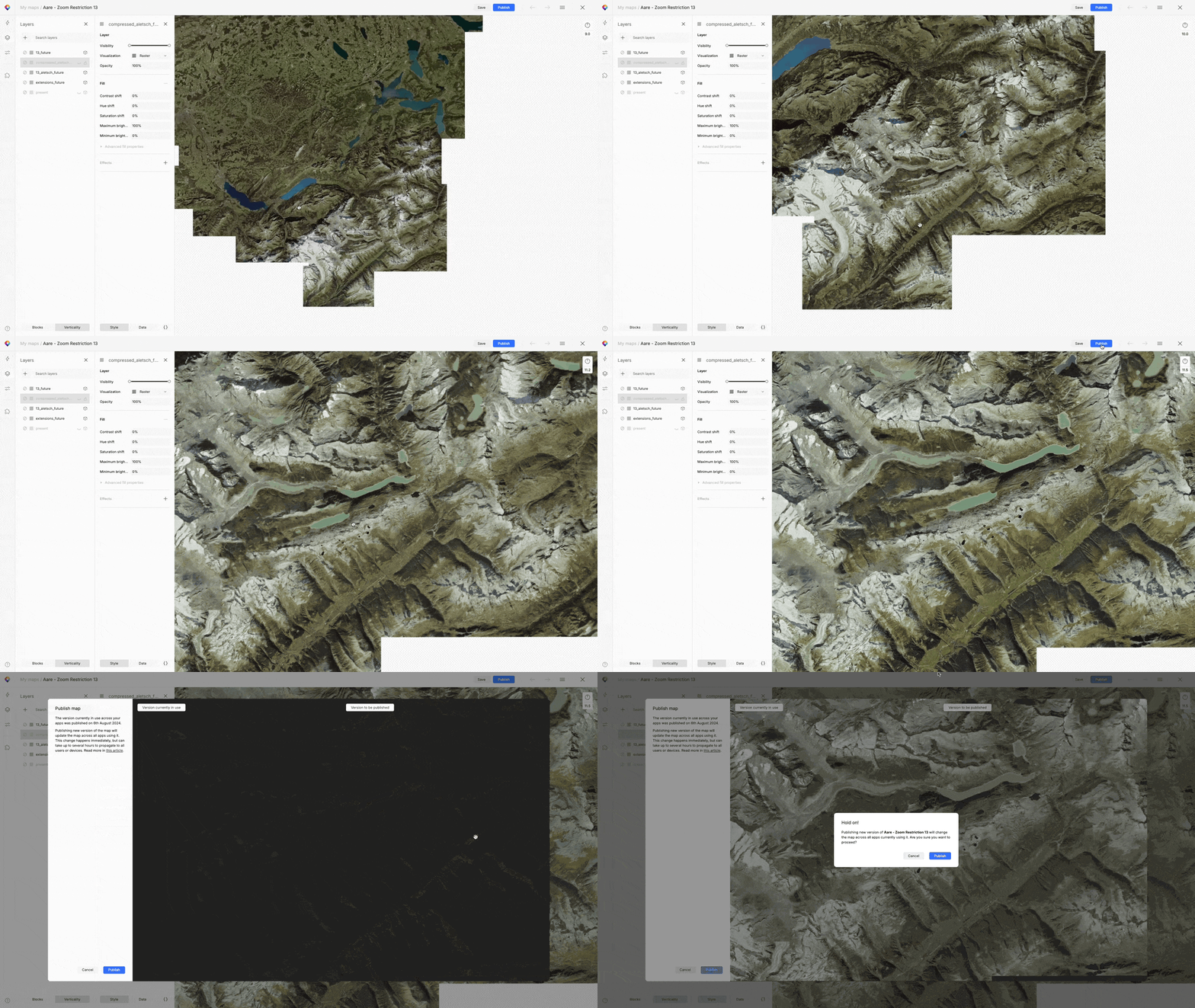
Multiple images could be consolidated into a single tile set if required. To account for the traveling camera's different zoom levels, we sometimes generated multiple tile overlays at different zoom and resolution levels, to make sure the images would stay sharp while limiting file sizes as much as possible for performance.
The Maptiler Engine export settings were configured for optimal performance, using HiDPI, layer ordering and zoom handling, and WebP compression.
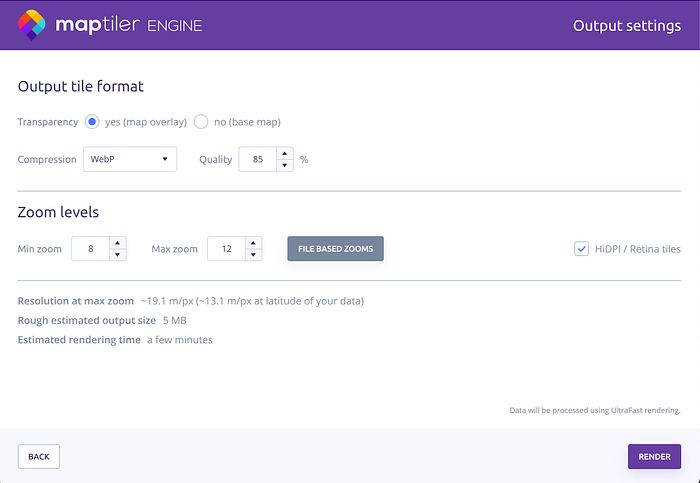
Finally, the custom tile was imported into Maptiler, integrated into the map style, and published. The resulting custom map tiles proved more performant than the default satellite layer on midrange Android devices, offering a high-performance, customized map tile compatible with various devices while effectively visualizing potential future environmental scenarios.